Welcome to the downloads section of the site. We will be bringing you exclusive artwork, apps, songs and more from Xerosun.
Free MP3 Downloads
18-Mar-2015: New single release for I Spared Hundreds is now available on soundcloud. or if you prefer, theres a new lyrics video also available on youtube or in our video section.
26-Aug-2013: We have released our song Anatomy Of A Lie for free download. Head over to https://soundcloud.com/xerosun for a free download! The song was mixed and recorded by our good friend Michal Banach and is the first song to be released from the yet unnamed second album and features the new band members.
You can also watch the Anatomy Of A Lie video on our website or on YouTube/xerosunband
Desktop Wallpapers
You can download and use these images for desktop wall paper on both PC and Apple Mac.
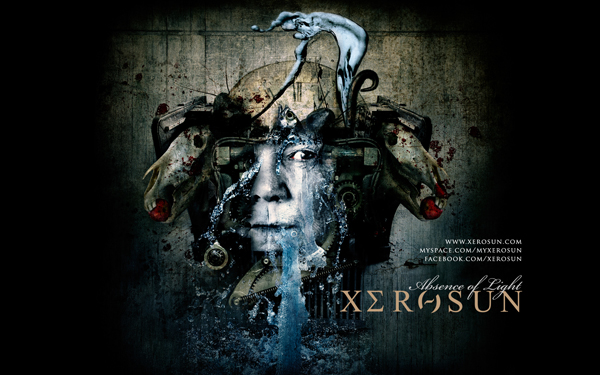
Choose your resolution:
iPhone Wallpaper
Three iPhone wallpapers are available featuring Seth Siro Anton's artwork for Xerosun's debut album, "Absence Of Light". Simply click on any of the wallpapers below and a new window will open. Right click the image and save it to your computer.
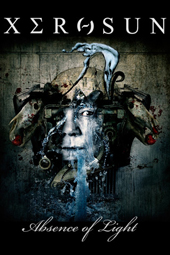
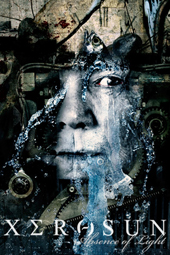
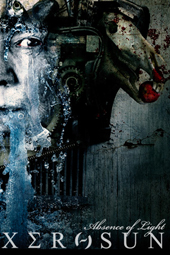
Setting wallpaper on the iPhone
- To install the wallpapers, connect your iPhone to your computer with a USB cable. Open iTunes and check the box to sync Photos between your phone and computer.
- Use the Photo pane to sync your phone with your pictures folder so that they can be set as the wallpaper. Click the "Sync" button to finalise this.
- On the iPhone itself, click the "Settings" icon, select "Wallpaper", select "Photo Library" and finally select your desired image.